A UK property surveying and valuation firm gets a lot of its new work through a quote form on its website. Visitors fill in their name, contact details, the property address, the type of survey they need and a message, and the firm prices the job from there.
The problem with a form like that is that failures are easy to miss. If a submission fails, the visitor probably assumes it went through, and the business has no idea an enquiry was ever attempted. Every failed submission is a job nobody can follow up.
The first plan, and why it changed.
My first idea was to send submissions straight from the website into Power Automate, which I’d already used for the firm’s document automation. That needs the HTTP request trigger, which sits behind a licence the firm didn’t have, so it wasn’t an option.
I moved the work onto the web host instead. The form now posts to a PHP handler on the server, which validates what was submitted, emails the enquiry to the business and uses a honeypot field to catch automated spam.
Making failures visible.
A form that works most of the time wasn’t good enough, so I built a second layer around the handler that answers one question: did that enquiry actually come through?
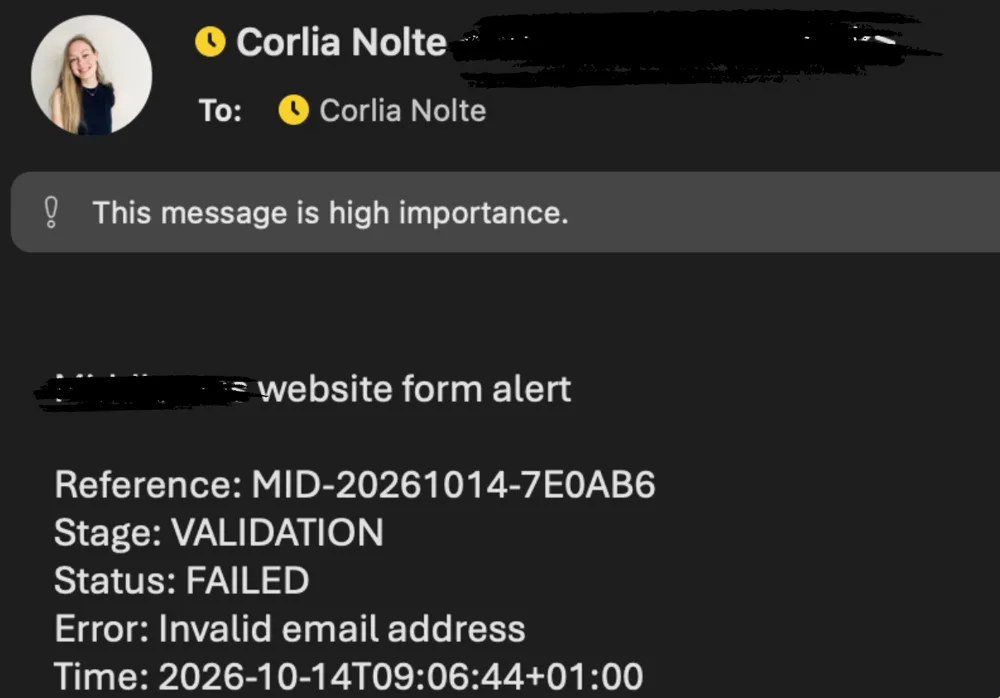
- A reference for every attempt. Each submission gets its own code, made from the date and a random string (for example MID-20261014-7E0AB6), so one attempt can be followed from start to finish.
- A private log. The handler writes one line per event to a log file outside the public web folder: form received, validation passed or failed, mail attempt, and mail accepted by the server. Line breaks inside error messages are flattened before writing, so every event stays on one readable line.
- Alerts when something fails. Any failure sends a high-importance email with the reference, the stage it failed at, the status, the error and the time. The alert settings live in their own config file, and a small tracking file keeps a burst of failures from flooding the inbox.
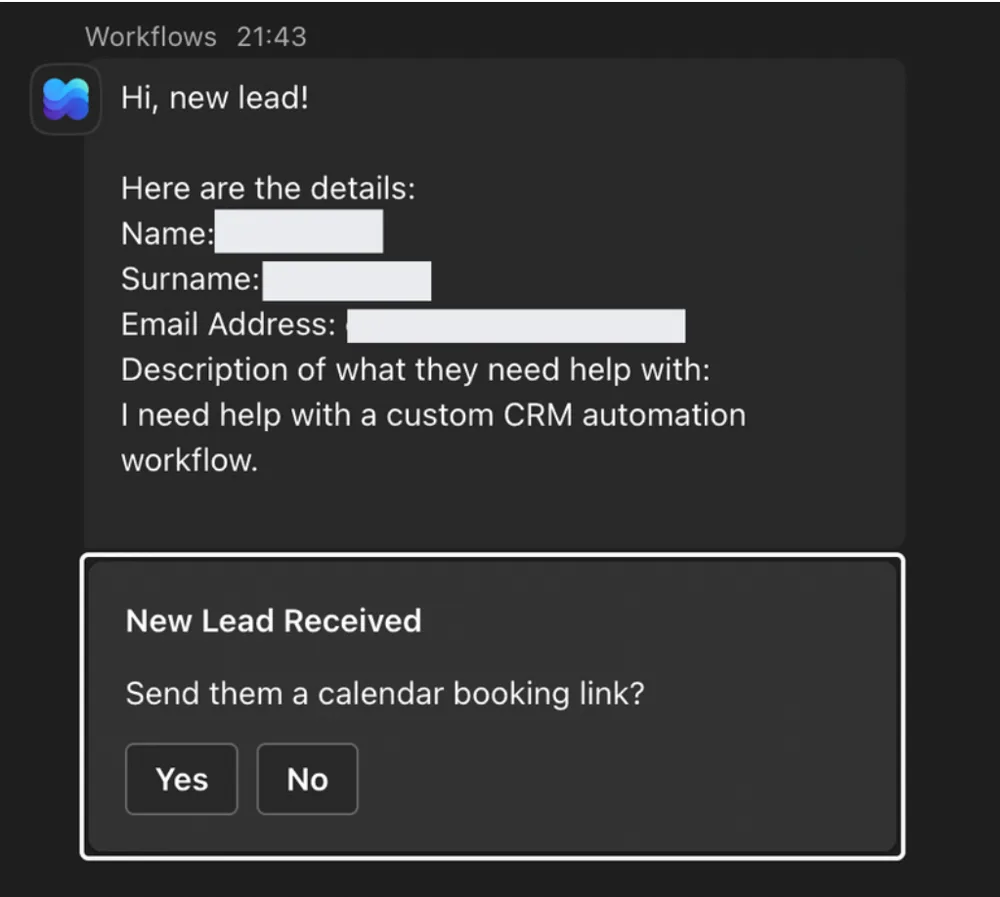
I’d hoped to send the alerts to Teams, but the environment’s permissions blocked it, so they go by email to the people who need to act on them.
A real failure, and what the log showed.
In October an alert came in for a 15-second timeout on reference MID-20261009-C4A938. Later that day, a submission with a different reference went through successfully.
Because every attempt carries its own reference, we could see these were two separate events, a first attempt that timed out and a later one that worked. On its own, the alert would have looked like a lost lead. With the log, it was a story we could actually read.
What I took from it.
Building a form that works and building one that can be supported are two different jobs, and the second one is what lets a business trust it. I wouldn’t claim it catches every possible failure, but when something does go wrong now, there’s a reference, a log entry and an alert to follow.